








On this page
Studios win on repeatability
The difference between a six-figure Webflow practice and a fragile freelancer loop is systems: naming conventions, component libraries, integration defaults, and a short list of vetted apps you deploy without drama. Clients do not buy “we might figure out Zapier later”; they buy predictable launches.
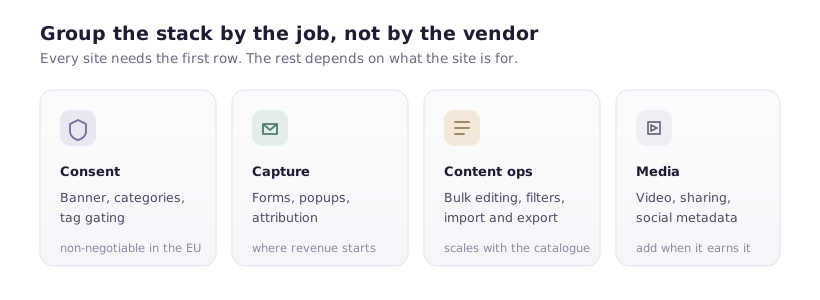
Baseline stack by concern
- Compliance and trust: Cookie Consent for regional rules and script blocking.
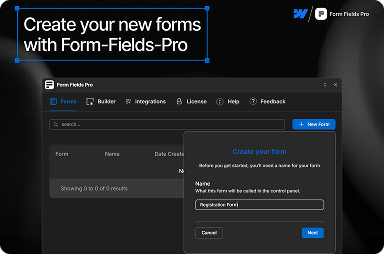
- Acquisition: Form Fields Pro for serious lead capture and richer form UX.
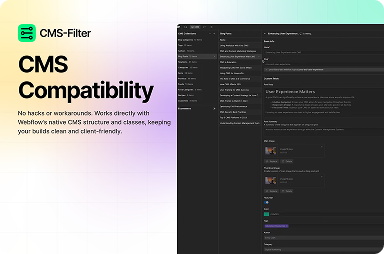
- Content discovery: CMS Filter on resource hubs; Table of Contents on long guides.
- Engagement: Social Share where share actions matter; Popup Builder where campaigns need controlled modals.
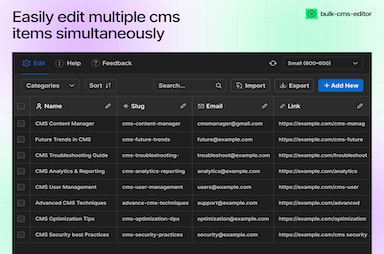
- Operations: Bulk CMS Editor when collections scale beyond casual edits.
- Media: Video Cloud when hosted clips must behave in the Designer.
Not every site needs every app—but the decision tree should be documented so any senior designer can answer “what do we use here?” in five minutes.
Rollout order on a new build
- Consent first—analytics and pixels depend on it.
- Forms and integrations next—so QA can test end-to-end before content freeze.
- CMS enhancements once real data exists—filters and bulk edits are easier with representative items.
- Marketing surfaces—popups and share UI after core navigation is stable.
Documentation that travels with the project
Maintain a one-page integration map: which Webflow forms post where, which domains are allowlisted for video, and which CMS collections power filters. Paste links to FlowAppz product pages for client stakeholders who want receipts.
Why FlowAppz as a bundle
FlowAppz focuses on Webflow Designer-native utilities that overlap how agencies already work—fewer bespoke embeds, more components your team can reuse.
Browse all products and pick three “defaults” for your next three launches; refine the stack after retros. Most apps carry a lifetime option, so check the pricing before committing to a monthly stack.
Closing thought
The best stack is the one your team can support at 9 p.m. on launch day. Prefer fewer, deeper tools over a dozen experimental widgets—your future maintainers agree.